
We've been building Studio, an in-house tool that lets anyone at RKH build a fully branded presentation deck by talking to an AI. It works. It's also still a work in progress, and it went wrong in more interesting ways than we expected along the way. Here's an honest account of what we're trying to do, what we've solved, and where it still needs work.
Every agency has a version of this problem. Presentations are constant, brand consistency matters, and the people who need a deck on Thursday are rarely the people who know their way around a design file. The usual outcome is one of two things: a designer gets pulled off real work to lay out forty slides of bullet points, or someone builds it themselves and the brand takes the hit.
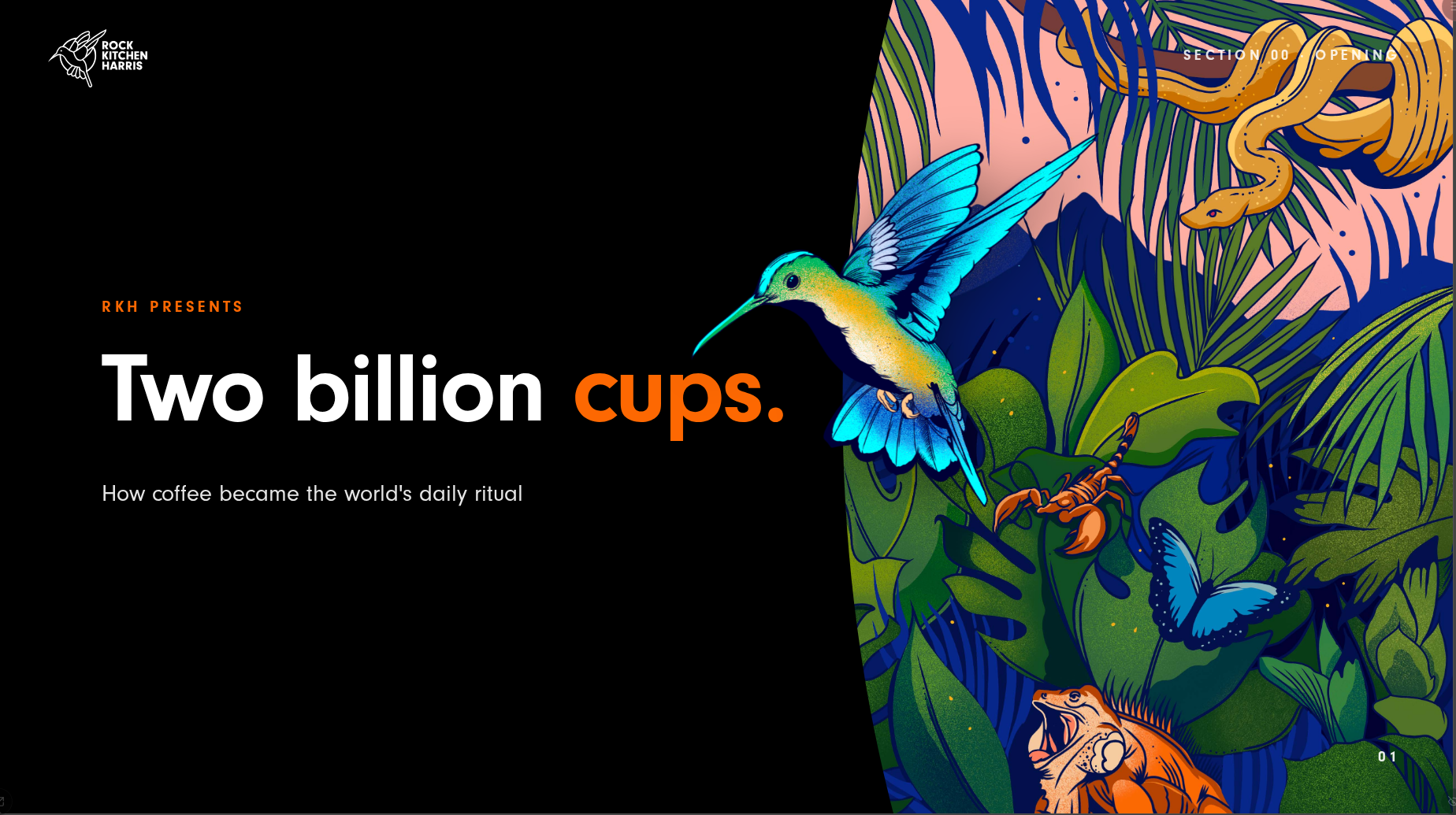
Studio is our attempt at a third option. You give it a brief, a Word document, a PDF, some rough notes, and it plans and builds a finished deck in our house style: bright type on black, one accent colour per slide, plenty of breathing room. You then refine it by simply telling it what to change, watching the slides update live, and publishing with one click. No design software, no code, no "final_v7_FINAL" file names.
That's the pitch. Getting there took four architectures, three abandoned versions and some uncomfortable lessons about what AI models actually do when you're not watching them. Studio recently hit v1, so it feels like the right moment to write it all down.
What we're actually trying to do
The goal was never "AI makes you a PowerPoint". Generic AI presentation tools already exist, and they produce generic presentations. Ours had to be different in two ways.
First, the output is real code, not a picture of a slide. Every deck Studio builds is a self-contained web page rendered from a proper design system, the same components, the same typography, the same rules every time. That means the brand guidelines aren't a suggestion the AI tries to follow; they're baked into the building blocks it's allowed to use. The AI can choose which layout suits the content, but it physically cannot put type over a photo or shrink a headline below readable size, because the components won't let it.
Second, the person stays in charge. Nothing the AI proposes is applied until you've seen a preview and clicked Apply. Editing scope is always visible, you can see whether you're talking about one slide or the whole deck, and routine changes (swap a photo, reword a bullet, change the accent colour) go through plain controls that don't involve the AI at all. The model is a colleague making suggestions, not an autopilot.
Where it came from
Studio wasn't planned so much as accreted. It started as a single presentation, an internal deck explaining how AI works, built as a web page because that's what we build. Making that one deck properly meant creating reusable slide components. Keeping those components honest meant building a workbench to preview them all. And checking forty slides by eye got old fast, so early on we wrote an automated check that renders every slide in a real browser and flags anything that overflows its frame. That little QA robot, built before any AI was doing the authoring, turned out to be the foundation everything since stands on.
Then came the question that caused all the trouble: could someone who isn't a developer make one of these?
The versions that didn't make it
Three attempts at answering that question got built, shipped and abandoned before Studio.
The first was a hosted deck builder running on Anthropic's Claude Agent SDK: a chat sidebar next to a live preview, with Claude doing the editing. It worked, and it taught us the interaction model we still use. But every authoring session ran on metered API billing, anywhere from fifty pence to eight pounds depending on how chatty you were, forever, and we were maintaining an entire web app around it. We shelved it.
The second attempt inverted the idea: instead of building our own interface around Claude, we built a set of 25 tools that plugged into Claude's own desktop app, so staff could build decks from a chat window they already had. It got all the way to feature-complete and deployed before we admitted the problems weren't going away: it depended on everyone having their own AI subscription configured just so, publishing needed infrastructure we kept deferring, and the whole experience lived inside someone else's interface, which we couldn't shape. Not wasted work, as it turned out; those 25 tools became the blueprint for the tools Studio's AI uses today.
The third was Studio version one. It grew the way internal tools often do: a tab for this, a modal for that, four panels of options, until the interface was busier than the problem it was solving. It also ran on premium models for every little edit. So we rebuilt it around a single observation: in a tool like this, every meaningful action is "tell the AI, watch the deck change". One screen, a filmstrip of slides, a live preview, and a chat bar. Everything else had to justify its existence, and most of it couldn't.
The hard lesson: cheap models don't do as they're told
The rebuild's other big decision was economic. Running a frontier model like Claude for every edit is lovely and expensive; running a smaller, cheaper model is affordable and, as we discovered, an education.
We designed Studio so the AI engine is swappable, and made DeepSeek the default, with Claude held back for the heavy lifting. The swappable design also let us audition others along the way: Gemini, Kimi and MiniMax were each wired in as build engines and each cut soon after, either priced above our flat-rate gateway subscription or not good enough at their cheap tiers. Only DeepSeek and Claude survived the trials.
DeepSeek's failures were rarely dramatic. They were quiet, plausible and wrong. Some favourites from our testing notes:
- Asked to recolour six sections, the model instead tried to create six new sections that already existed.
- Told to plan exactly one content section, in capital letters, with an error message repeating the instruction, it confidently produced five.
- A brief that required at least four photo slides got exactly one.
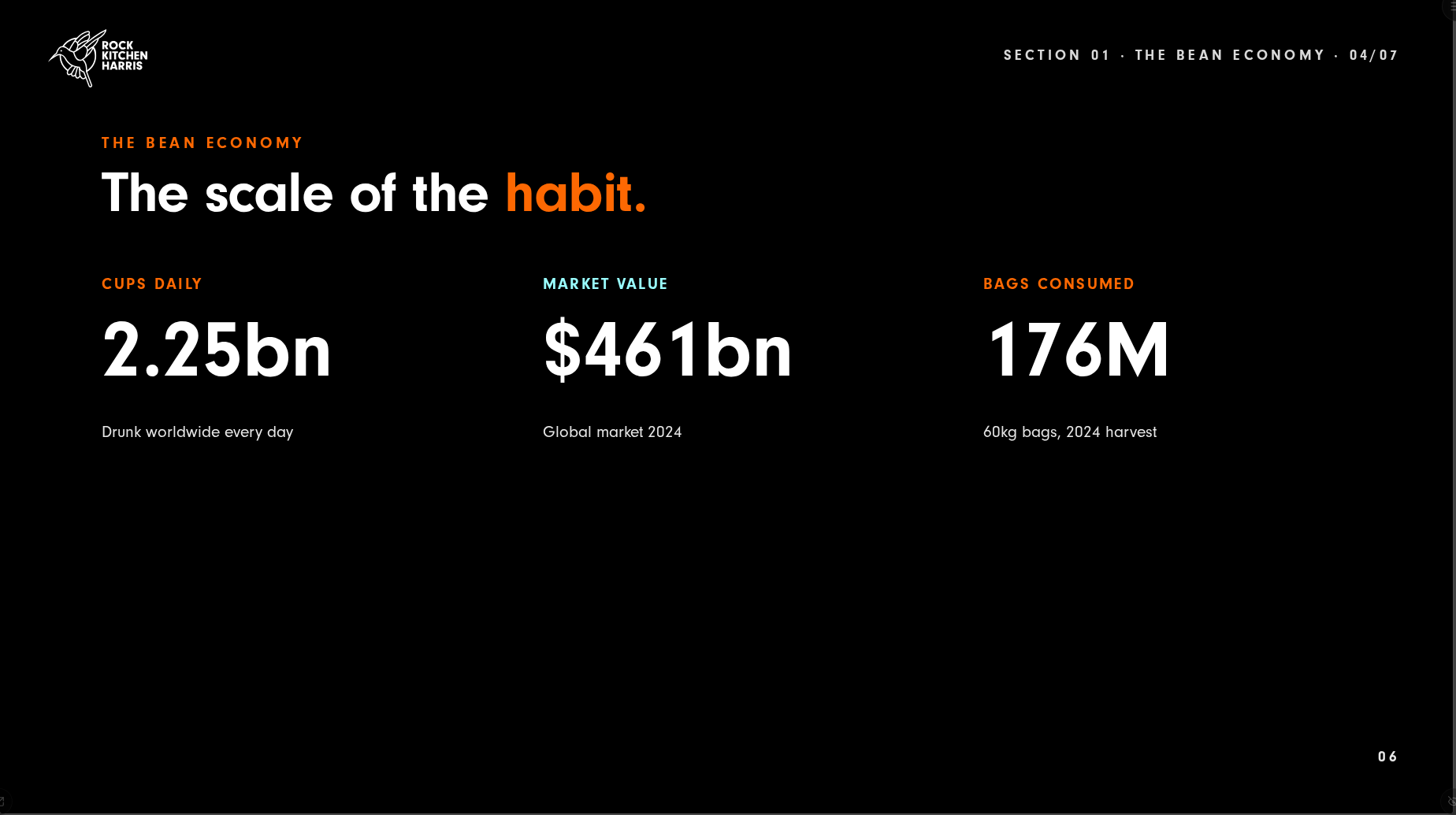
- Left to build a twelve-slide deck unsupervised, it collapsed nine distinct slide layouts down to six, and made seven of the twelve slides the same big-statistic layout. Technically valid. Visually, a metronome.
The pattern behind all of these is the same: smaller models like DeepSeek under-comply with soft instructions. If a rule lives only in the prompt ("please use a variety of layouts"), it's a request, and requests get dropped whenever the model is juggling too much. Our planning prompt was at one point enforcing nine families of constraints at once, and the model would simply shed whichever ones didn't fit.
The fix was a shift in philosophy that now governs everything we build: don't ask, enforce. Anything that must be true is now guaranteed in code, not in prose. The server plans the deck's structure itself and locks the slides it has already built correctly, so the model can only touch the bespoke ones. Coverage checks make sure every topic in your brief lands on a slide. The sources appendix is added deterministically. And when the model does misuse a tool, the error message doesn't just say what went wrong; it says which tool to call instead. We unit test the exact wording of those error messages, because as far as the AI is concerned, they're the user manual.
Trust, but verify with a robot
The other thing we learned is that you cannot ask an AI whether its slide looks right. It will say yes.
So Studio checks for itself, using a descendant of that week-one QA robot. Every deck gets rendered in a real headless browser and measured geometrically: does any content overflow its slide? Do any elements overlap? Is a slide suspiciously empty? The same measurement code runs in the live preview and in the automated check, so there's no gap for problems to hide in. We even ran every slide template through the browser at increasing amounts of content to find the exact point where each one breaks, and turned those measurements into hard caps.
When a check fails after a build, Studio doesn't fail the build. It unlocks just the offending slides, hands them back to the AI with the specific findings, and lets it repair its own work, bounded, so a repair pass can never make things worse than the build it started from. Watching a model fix a mistake it couldn't have described five minutes earlier is a strange kind of satisfying.
And for the genuinely stubborn slides, there's an escalation button: one turn of the conversation gets routed to Claude, whose changes still arrive as a normal proposal for you to preview and apply. Claude on demand, DeepSeek by default.
Skills: teaching an AI the way you'd teach a new starter
The idea from this project we'd most recommend stealing is the humble skill.
A skill is nothing more exotic than a markdown document: a named, written procedure the AI reads before doing a particular job. Our deck-building skill, for example, is a five-phase playbook that walks the model through intake, planning, scaffolding, building and preview, tells it which reference documents to read first, and spells out the rules it must not break ("wait for approval before building", "never edit a slide the server has already built"). Our deck-audit skill is a reviewer's checklist: British spelling, no title that wraps awkwardly, a statement slide to punctuate every four to six content slides, no two in a row. When you type the skill's name in Studio's chat, that document gets loaded into the conversation and the AI follows it.
If that sounds suspiciously like an onboarding doc for a junior colleague, that's exactly what it is. And writing one imposes the same discipline. You cannot write a good skill without first agreeing what good looks like: we had to sit down and decide, explicitly, what makes a deck feel like ours, how sections should be paced, when a recap slide is required. The AI was almost incidental; the act of writing the playbook forced us to turn taste into rules. The document is the training.
There's now a small family of them covering the deck-making craft end to end: one for preparing raw content into a usable brief, one for building a deck from scratch, one for auditing and enhancing an existing deck, and one for designing a single slide well. Each captures a different slice of what a designer would do, written down once and applied every time.
Skills have two properties that make them better than the obvious alternative of one giant system prompt. They load on demand, so the model only carries the instructions relevant to the current job; we learned the hard way that an overloaded prompt gets selectively ignored. And they're plain text, so they're portable: the same skill files work whether DeepSeek or Claude is reading them, and adding a new capability to Studio means writing a new markdown file, not writing code. When we want the AI to get better at something, we edit a document, the same way you'd update a process guide after a project review. The skills are living documents; every lesson in this post is written into one of them somewhere.
What it's good at
Today, Studio takes a real brief, a strategy document, a pitch outline, a set of campaign results, and turns it into a coherent, on-brand deck in minutes, with three levels of content fidelity depending on how precious the wording is: keep it verbatim, tidy the formatting, or let it adapt and expand. Statistics keep their source attributions, and a sources slide appears automatically when there are enough of them. Publishing generates a shareable link and a print-quality PDF in the background.
The chat editing genuinely works for the fiddly middle of deck-making: "make this slide less cramped", "turn these paragraphs into a comparison", "swap this to the team photo layout". The deterministic controls handle the rest without burning a single AI token.
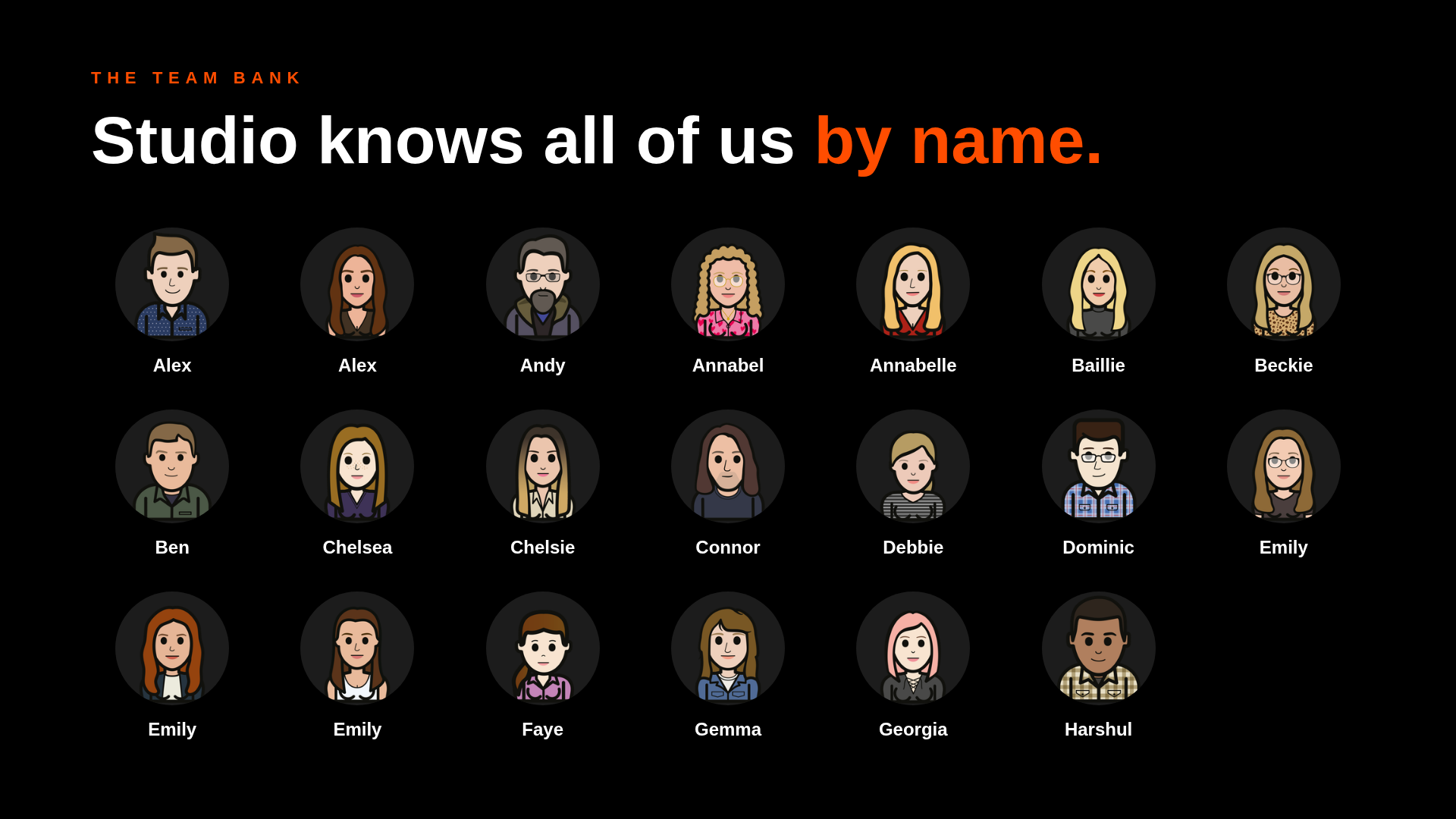
The team bank knows all sixty-five of us by name, so "add a slide introducing Sarah" does what you'd hope.
And the discipline the design system imposes turns out to be the quiet hero. Because the AI can only compose from components that are on-brand by construction, its worst-case output is boring, not off-brand. That's the right way round.
Where it still needs work
Plenty of places, and it would be dishonest to pretend otherwise. This is how tools like this get built now: you ship something imperfect, watch where it falls short, and fix the next most annoying thing. Every pass leaves Studio materially better than the last, and the list below is a snapshot, not a verdict.
Some of our controls are still softer than we'd like on DeepSeek. The wizard lets you request a specific number of sections; DeepSeek sometimes overrules you anyway, and the deterministic enforcement for that is built but not yet proven against a good spread of real briefs. The same is true of guaranteed photo coverage. The machinery exists; the A/B testing against real-world documents is the outstanding homework.
The nested-formatting edge cases are real. Edit the text of a slide that contains an accent-highlighted word through the plain controls, and the highlight can get flattened. Ask the chat to recolour something to our default orange and it can't tell your request apart from a known bug it's trained to correct, so that one colour has to be changed through the manual control. Niche, documented, mildly embarrassing.
There's no version history yet beyond downloading an editable copy of your deck, which is a workaround rather than an answer. Multi-slide structural edits from the Claude escalation apply in a fixed order and can occasionally trip over themselves. And the live preview sometimes flickers while the AI works, like watching someone think.
And then there's the economics, which deserve their own honest paragraph. The cost of AI is a moving target: prices shift, tiers appear and disappear, and the model that made financial sense when you built the feature may not be the one that makes sense when you're running it. Counter-intuitively, the top models don't always make economic sense either; per-request API pricing on a frontier model turns every chat message into a small invoice, which is exactly the wrong feeling for a tool people should feel free to experiment with. We've found flat-rate subscriptions tend to win for authoring work, because a capped monthly cost changes how people use the thing, and we've swapped which model sits behind the default more than once as the sums changed. The swappable-engine architecture we built for cost reasons has turned out to be the most durable decision in the project; not because any one model choice was right, but because none of them stays right for long.
The thing we least expected to learn
After all that tuning of prompts, building of guardrails and measuring of pixels, the single biggest lever on deck quality turned out to be none of those things. It's the brief.
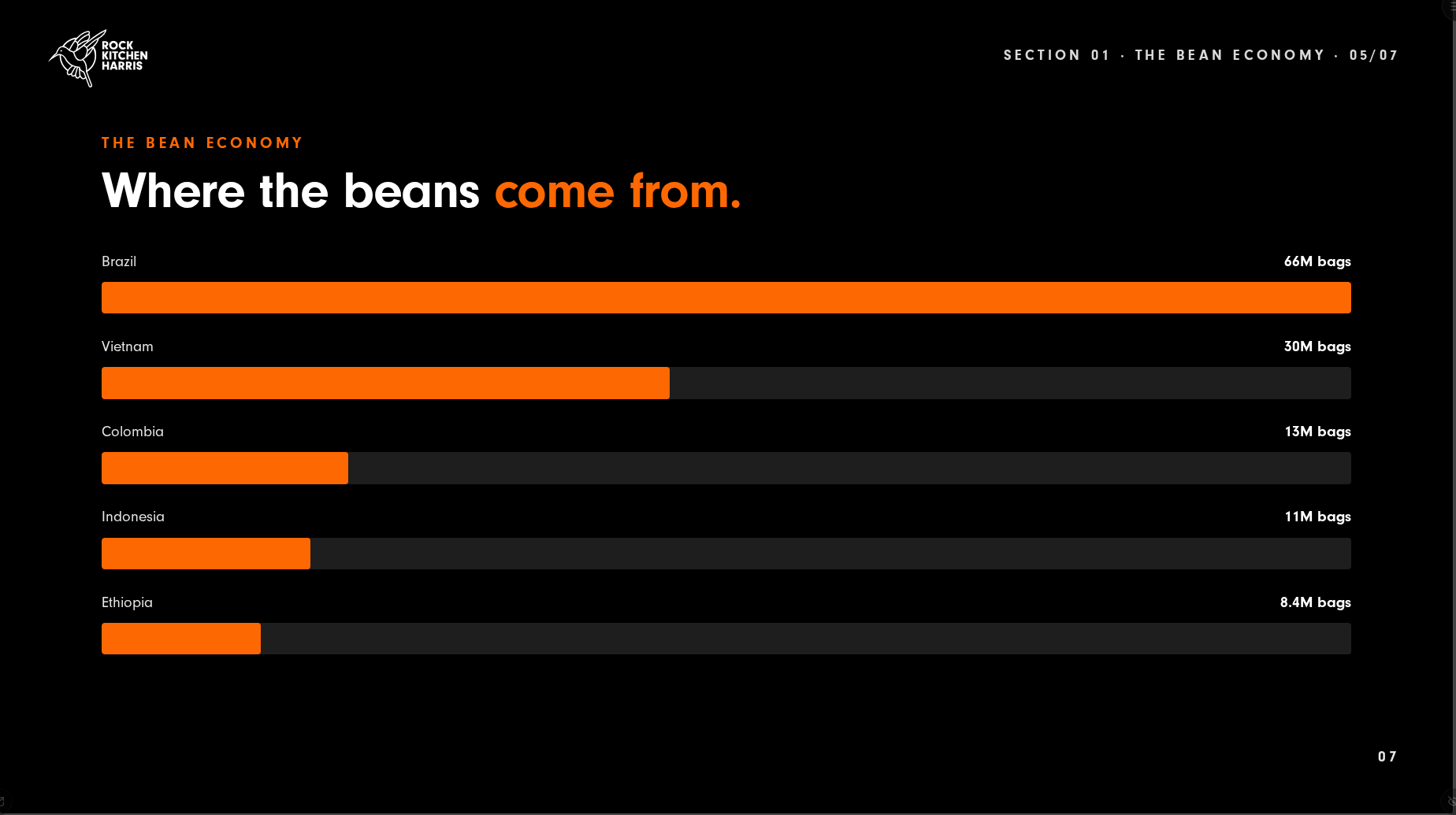
Feed any engine, DeepSeek or Claude, a flat list of statistics and you get monotony: the same layout, slide after slide, because the content gives it nothing else to work with. Feed it a rich brief with narrative, comparisons, quotes, data and people, and both engines produce nine or ten distinct slide types without being asked. Variety is driven by content shape, not model intelligence.
Which is, when you think about it, the oldest lesson in this industry wearing a new outfit. Good inputs make good outputs. The AI hasn't changed that; it's just made the feedback loop fast enough to watch.
Studio is live for our team now, building real decks for real work. It isn't finished, and honestly it never will be; that's the nature of building with AI right now. The models improve, the guardrails improve, the playbooks improve, and every rough edge in this post is on a list somewhere.
But step back from the detail and every lesson in this piece is the same lesson. The decks are only as good as the brief a person writes. The skills are human judgement, written down. Nothing ships until someone looks at it and clicks Apply. Strip out any of those and the output slides from "ours" to "anyone's". The AI supplies the labour; the people supply the taste. Every trial and error we've described was really just us finding out, one mistake at a time, where the human needs to stay in the loop. As far as we can tell, that isn't a limitation of the current technology. It's the design.

We've got scars and opinions to share.
If you're wrestling with how to get AI producing work that's actually on brand rather than approximately on brand, talk to the team that's been through it.
Get in touch